 Linkydy
Most people run LinkedIn prospecting from one of two places: a spreadsheet that slowly rots, or a heavyweight CRM that was never built for top-of-funnel work. Linkydy is the third option — a CRM for LinkedIn that runs as a Chrome extension, captures leads straight from the pages you already browse, and keeps your pipeline honest with statuses, notes, and processing history.
Why the spreadsheet breaks around 50 leads
Every spreadsheet pipeline starts the same way: name, company, link, a "contacted?" column. It works for the first week. Then the cracks show:
- Manual capture. Copying a name, title, company, and profile URL takes about a minute per lead. At 50 leads that is nearly an hour of typing — before you have sent a single message.
- No dedupe. The same person shows up in two searches, gets two rows, and eventually gets the same invite twice. Nothing burns credibility faster.
- No real statuses. A free-text column drifts into "sent?", "sent 2", and "??" within days. You stop trusting it, so you stop updating it.
- No history. A spreadsheet cannot tell you that you already messaged this person in March and they never replied.
Linkydy removes the manual step entirely: one click on a search results page saves the prospects into lead cards, deduped against everyone you have already collected.
Why a heavyweight CRM is the wrong tool for prospecting
The big-name CRMs are excellent at what they are built for: managing accounts, deals, and forecasts for a sales team. For founder-led sales on LinkedIn they are overkill in a specific way:
- They assume leads arrive from forms and imports — not from a LinkedIn search you are browsing right now. Getting a prospect in still means copy-paste or a paid connector.
- They want required fields, pipelines, and admin setup before the first lead exists. That is configuration debt when all you need is "collect 80 people, invite them, track replies".
- Per-seat pricing makes sense for a closing team, not for one founder testing an outbound motion.
The practical result: your real pipeline lives in LinkedIn tabs and memory, and the CRM gets updated on Friday, badly. A CRM should sit where the leads are — inside the browser, on the LinkedIn page itself.
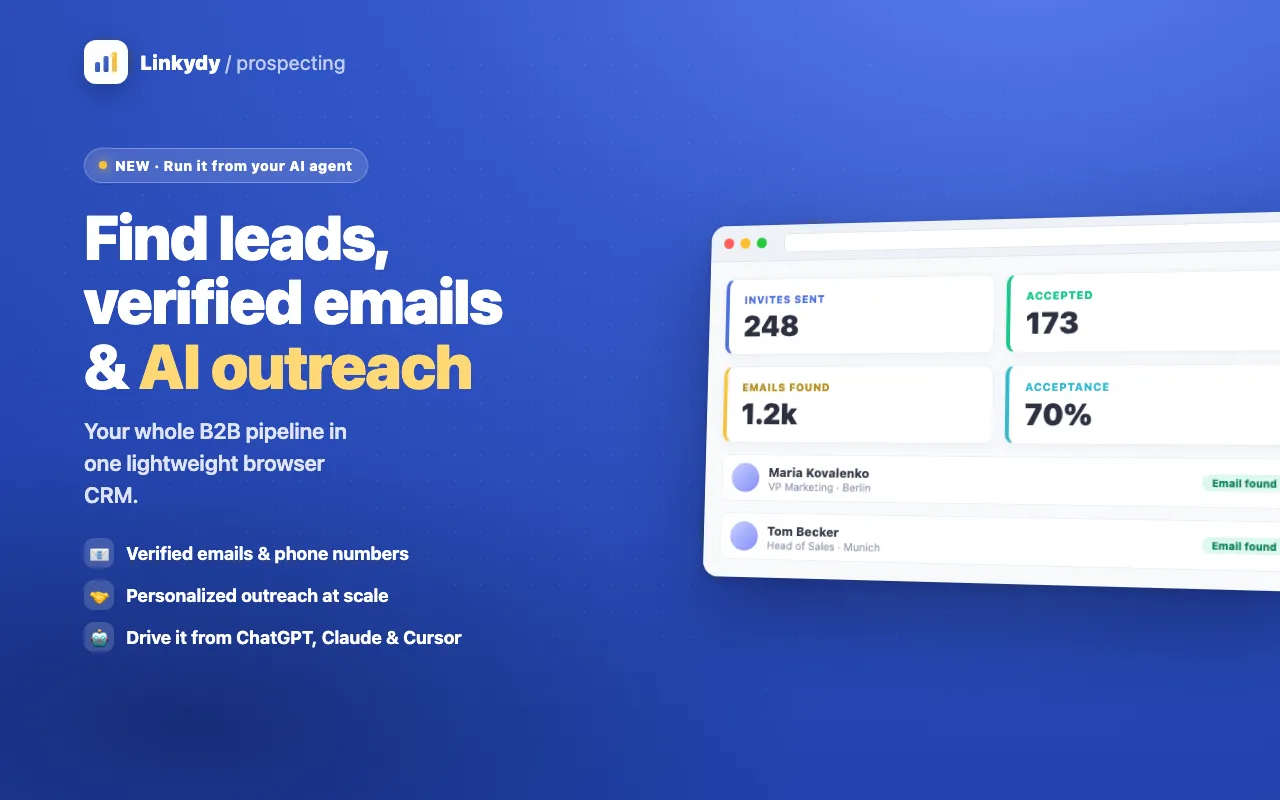
What lives on a Linkydy lead card
Every saved prospect becomes a card with the fields that actually matter for outreach:
- Identity: first name, last name, job title, company, and the LinkedIn profile URL — captured automatically when you save from search or a profile page.
- Status: where this person is in your pipeline, so "who is next?" is a filter, not an archaeology project.
- Notes: context you will want before the next touch — how you found them, what they posted, what you promised.
- Processing history: a timestamped log of what happened — saved, invited, messaged, enriched — so you never have to reconstruct a conversation from memory.
- Contact data: run Find Email or Find Phone and the verified business contact lands on the same card.
Dedupe that actually prevents double outreach
Because each card is tied to a LinkedIn profile, saving the same person from a second search does not create a second row — it points you at the card that already exists, along with its history. If you invited them three weeks ago, you will see it before you embarrass yourself. This is the single biggest difference from a spreadsheet, where duplicates are invisible until a prospect replies "you already messaged me".
Works everywhere you prospect
Linkydy collects leads from all three places LinkedIn prospecting happens:
- People search — save matching prospects from regular LinkedIn search results.
- Sales Navigator — collect from search results and lead pages; see the dedicated Sales Navigator tools page.
- Profile pages — save a single interesting profile the moment you land on it.
Spreadsheet vs. heavyweight CRM vs. Linkydy
| What you need | Spreadsheet | Heavyweight CRM | Linkydy |
|---|---|---|---|
| Capture from a LinkedIn search | Copy-paste per lead | Import or connector | One click on the page |
| Dedupe against existing leads | Manual | After setup | Automatic, by profile |
| Statuses and notes | Free-text columns | Yes | Yes, built for outreach |
| Outreach history per lead | None | If logged manually | Logged automatically |
| Setup before first lead | Minutes | Hours to days | Install and sign in |
| Fits a solo founder's budget | Free | Per seat, per month | Free to start |
From lead card to booked call
The CRM is the hub; the rest of Linkydy plugs into it. Enrich saved leads with the email finder, queue personalized invites and follow-ups with outreach automation, and hand clean lists to any other tool with CSV export. If you work with AI agents, the MCP integration lets Claude or ChatGPT search, save, and update the same lead table by prompt.
Everything runs in your own browser session — no password sharing, no cloud bots logging in from datacenter IPs. That matters for account safety, and it is covered honestly in our guide to whether LinkedIn automation is safe.