 Linkydy
LinkedIn is where you find the right person; email is where deals actually move. The gap between the two is usually a second tool, a browser tab of copy-paste, and a spreadsheet column called "email???". Linkydy closes that gap with a business email finder built into the profile page itself.
How it works: one click, on the profile
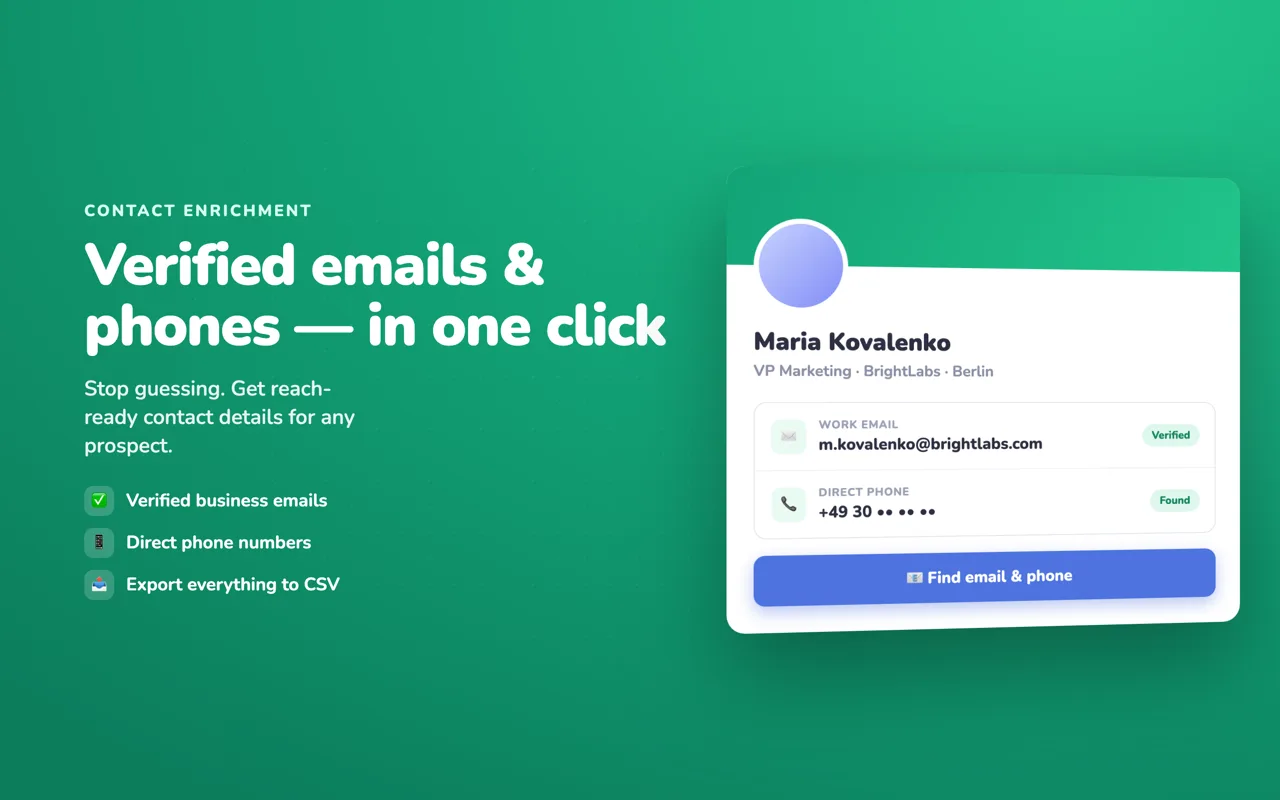
Open any LinkedIn profile — regular or Sales Navigator — and Linkydy adds two buttons: Find Email and Find Phone. Click one, and if a verified business contact exists for that person, it appears on their lead card in your Linkydy CRM.
There is no exporting to a separate enrichment tool and re-importing the results. The profile you are looking at, the lead card, and the found email are one record. If you saved the person from a search earlier, the email attaches to the card that already holds their name, title, company, profile URL, status, and notes.
For the full walkthrough with screenshots, see the guide: how to find an email from a LinkedIn profile.
Bulk enrichment for collected lists
Finding emails one profile at a time is fine for ten leads. For a list of two hundred, use Enrich with emails: collect prospects from LinkedIn people search or Sales Navigator into your lead table, then run enrichment across the whole list. Linkydy works through it and fills in the business emails it can verify, each on its own lead card.
From there the list is ready to use anywhere: export to CSV with emails and phones included, hand it to your email tool, or start personalized LinkedIn outreach and keep email as the second channel.
The three-step flow
Collect
Save leads from LinkedIn people search or Sales Navigator — or open a single profile you care about.
Enrich
Click Find Email / Find Phone on a profile, or run "Enrich with emails" across your whole collected list.
Use it
Emails and phones sit on the lead cards — export them to CSV or start your outreach sequence.
An honest note about hit rates
Every email finder on the market depends on the data that exists for a given person — and some people simply have no verified business email anywhere. So here is the honest framing: when a verified business email exists, Linkydy finds it. Expect a hit rate, not magic.
Be skeptical of tools that promise an address for everyone. The usual trick is pattern-guessing ([email protected]) without verification — those lists look complete and then bounce, which damages your sender reputation and can get your email domain flagged. A smaller list of verified addresses beats a big list of guesses every time.
This is also why Linkydy starts you with free credits: run enrichment on a real slice of your target market and measure your own hit rate before you pay anything.
Business emails, used properly
Linkydy is a B2B tool: it finds work emails and phones so you can reach buyers about work-relevant offers. That distinction matters legally and practically — business outreach to business addresses is the standard, defensible basis for prospecting.
What you get with each found contact
Enriched leads carry everything downstream tools need. A CSV export includes name, title, company, profile URL, email, phone, and status — one row per lead, no reassembly required. If you drive Linkydy from an AI agent over MCP, enrichment is one of the tools the agent can call: "find emails for the 30 leads I saved yesterday" becomes a single prompt, with the extension enforcing all limits.