 Linkydy
Sales Navigator is the best B2B search engine there is — and one of the strangest products in sales software, because it deliberately stops one step before the work starts. You can build a razor-sharp list of 200 prospects and then… look at them. No export. No email addresses. No way to work the list anywhere else. Linkydy is the toolkit that finishes the job.
Collect leads from Sales Navigator search and lead pages
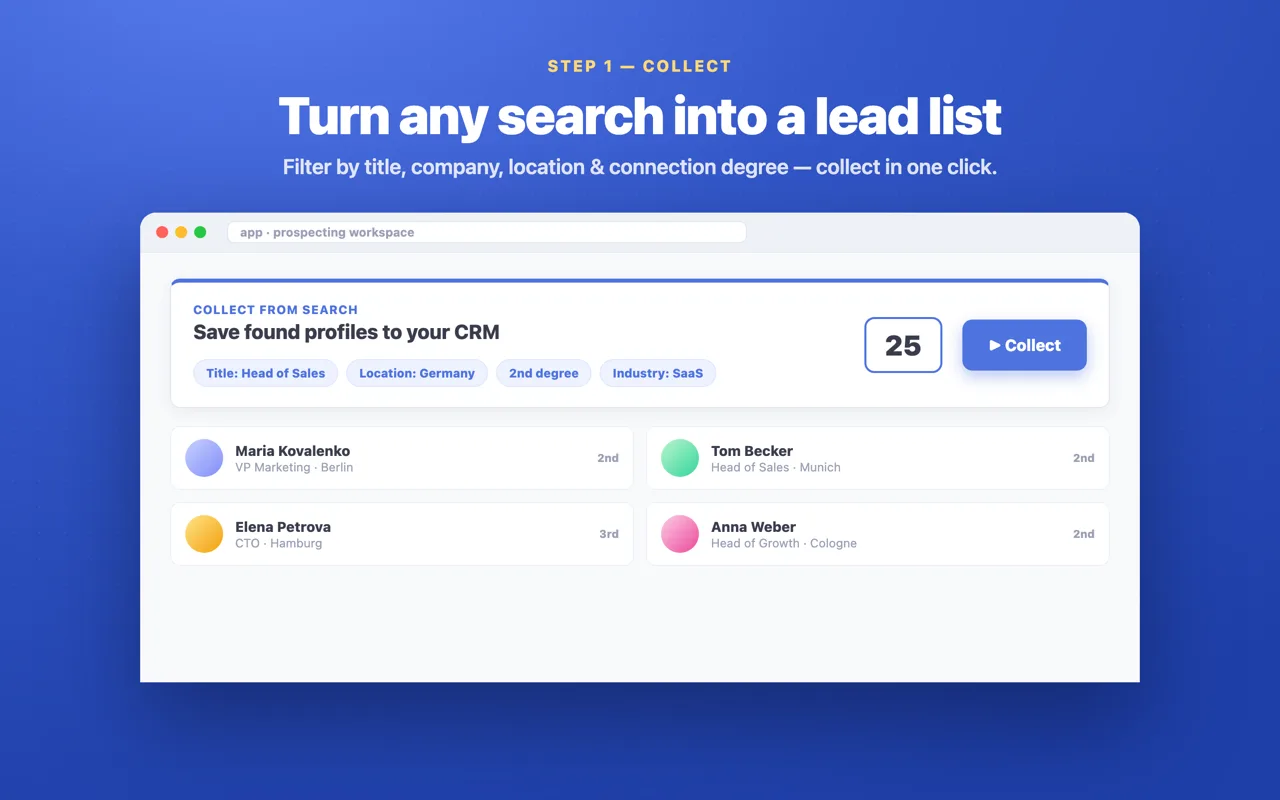
Run any Sales Navigator search and Linkydy saves the results as lead cards — name, job title, company, and profile URL captured automatically, deduped against everyone you have already collected. The same works on individual lead pages: one click saves the person you are viewing.
Collected leads land in the Linkydy CRM, alongside anything you saved from regular people search. One lead table, whatever the source.
Slice your market with real filters
Linkydy's collection works with the filters that define a proper ICP search: job title, company, location, industry, language, past role, and school. That last pair is underrated — "former employees of your competitor" and "alumni of the founder's university" are two of the highest-reply-rate segments in B2B, and both are one filter away in Sales Navigator.
Find Email and Find Phone — on Sales Navigator profiles
Sales Navigator shows you everything about a prospect except how to contact them outside LinkedIn. Linkydy adds Find Email and Find Phone buttons directly on Sales Navigator profiles: click, and the verified business contact lands on the lead card. Run "Enrich with emails" across a whole collected list and your Sales Navigator search becomes an email-ready audience.
The honest caveat applies here as everywhere: coverage depends on the data that exists for each person. When a verified business email exists, Linkydy finds it — expect a hit rate, not magic. Details on how enrichment works are on the email finder page.
Why Sales Navigator + Linkydy beats Sales Navigator alone
Sales Navigator's lists and notes live inside the subscription — cancel, and your saved work goes with it. Linkydy keeps your pipeline in your own hands, and adds the capabilities LinkedIn chose not to build:
| Capability | Sales Navigator alone | Sales Navigator + Linkydy |
|---|---|---|
| Advanced people search | Yes — best in class | Yes — same search |
| Export leads to CSV | No export at all | One click, 7 columns |
| Business email addresses | Not provided | Find Email on the profile |
| Business phone numbers | Not provided | Find Phone on the profile |
| Pipeline that survives cancellation | Lists locked to the seat | Your CRM, your data |
| Personalized outreach automation | Manual only | Invites, messages, follow-ups |
| AI agent access (MCP) | None | Claude, ChatGPT, Grok, Cursor |
The economics are hard to argue with: you are already paying a meaningful monthly fee for the search. Adding collection, enrichment, CSV export, and safe outreach automation on top is what turns that fee from a research expense into a pipeline engine.
The AI-agent angle: Sales Navigator by prompt
Linkydy is the first LinkedIn CRM with its own MCP server, which means an AI agent can work your Sales Navigator pipeline in plain English: "search for heads of sales in Berlin, save the top 20, find their emails, and send each a personalized invite." The agent calls Linkydy's tools — search leads, save leads, enrich contacts, send connection requests, react and comment — while the extension enforces every pacing rule and daily cap.
Setup takes about two minutes and works with Claude, ChatGPT, Grok, and Cursor. See Sales Navigator with an AI agent for the walkthrough, and the broader playbook in our Sales Navigator AI guide. AI agent access is a premium feature — free accounts get a clear premium notice rather than a silent failure.
Works without Sales Navigator too
No subscription? Everything above except the Sales Navigator pages themselves works on regular LinkedIn: people search collection, profile-page saving, email finding, outreach, and export. Start free on regular search, and if your volume later justifies Sales Navigator, Linkydy will already be in place to make it pay.