 Linkydy
When you send a connection request, the first thing your prospect does is tap your name. They land on your profile, scan it for three seconds, and decide — before they've finished reading your note. Your acceptance rate is set on your profile, not in your message.
Most sales profiles fail that three-second scan because they're written as résumés: job title, employer, a list of duties. A résumé answers "should we hire this person?" Your prospect is asking a different question: "what's in it for me if I accept?"
So treat your profile like a landing page for outbound. One audience, one promise, one call to action — and every section below either supports that promise or gets cut. Work through the 19 checkpoints in order; the whole pass takes about an hour.
The 19-point checklist
1. Headline & photo
The headline follows you everywhere — search results, comments, and the invite notification itself. It works harder than any other line you'll write.
- ☐ Replace the bare job title. "Account Executive at Acme" tells a prospect where you work, not what they get.
- ☐ Rewrite it with the formula below: buyer, outcome, method — in that order.
- ☐ Front-load the first 40–45 characters; that's all mobile shows in search results and comment threads.
- ☐ Photo: your face fills about 60% of the frame, plain background, shot at eye level. No cropped group photos.
- ☐ Name field: your name only. No emojis, no "🚀", no "| Top Voice" — decorations read as spam in an invite notification.
Formula:  I help [X] achieve [Y] via [Z]

I help SaaS founders book 15+ demos a month via targeted LinkedIn outbound
I help HR teams cut time-to-hire by 30% via structured technical screens
I help DTC brands recover abandoned carts via SMS + email flows
2. Banner & CTA
The banner is the biggest pixel area on your profile, and most sellers leave it blank. It's free ad space above the fold.
- ☐ Upload a custom banner at 1584×396 px that states who you help and one CTA — a booking link, your site, or "DM me 'audit'".
- ☐ Kill the default blue background. It signals a parked profile, which is the opposite of the person you want to buy from.
- ☐ Check it on your phone: text must stay readable, and remember your photo covers the bottom-left corner on mobile — keep words out of it.
3. About & Featured
LinkedIn truncates About after roughly three lines. Most visitors never click "see more" — so those three lines are your whole pitch.
- ☐ Put the pitch in the first three lines: who you help, the result, and one proof point. Everything after "see more" is bonus.
- ☐ Write to the buyer, not about yourself. Count "I/my" against "you/your" — the second should win.
- ☐ End About with one next step: book a call, reply with a keyword, or grab a resource. One, not three.
- ☐ Featured section: exactly 1–3 items — one lead asset, one case study, one booking link.
- ☐ Delete the 12-item Featured graveyard. Old posts, expired webinars, and certificates bury the single link you want clicked.
4. Social proof
Prospects don't take your word for it — they scroll down looking for evidence that people like them got results.
- ☐ Get recommendations from customers, not colleagues — praise from teammates gets discounted instantly. Ask three customers this week.
- ☐ Rewrite experience entries as outcomes for customers ("helped 40 agencies cut reporting time in half"), not duties ("responsible for pipeline management").
- ☐ Reorder skills so the top three match what you sell — those show without expanding, and endorsements follow whatever sits on top.
5. Activity cadence
Prospects check your recent activity to see if there's a live human behind the invite. A dead feed undoes everything above it.
- ☐ Post or comment 2–3 times a week. A profile whose last post is from 2024 reads as abandoned, and invites from it get ignored.
- ☐ Comment on your ICP's posts — that's where invites warm up. A prospect who has seen your name in their comments accepts far more readily than a cold one.
- ☐ No salesy comment spam. "Great post! We solve exactly this at…" gets you muted. Add one genuine observation instead; the headline does the selling.
Why this decides your acceptance rate
Cold outreach is a two-step conversion: the invite note earns the profile visit, and the profile earns the accept. A profile that answers "what's in it for me" in the first screen converts those visits; a résumé profile leaks them. That's why two reps can send the same note to the same list and see wildly different acceptance rates — the difference isn't the note, it's the page behind it. Fix the page once and every invite you send afterward converts better.
Put it to work with Linkydy
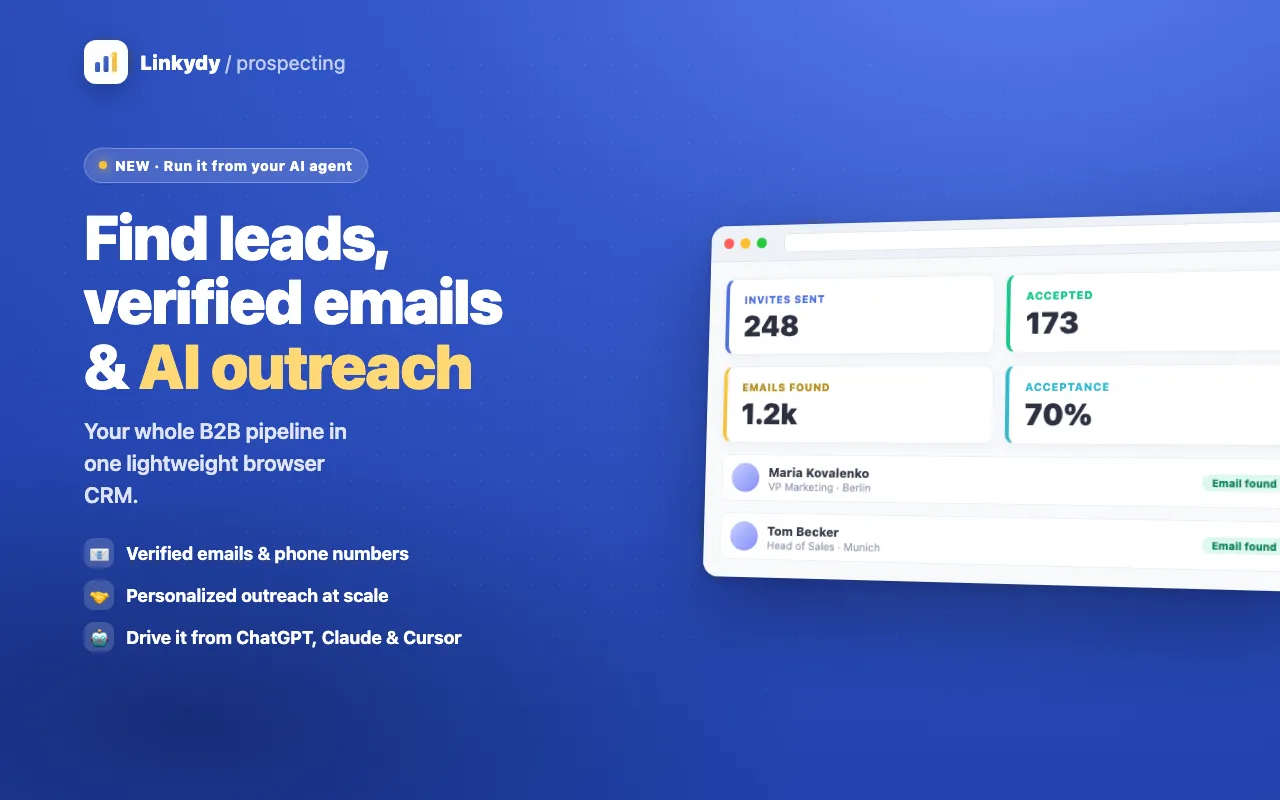
Once your profile converts, the bottleneck moves to pipeline — finding the right people, personalizing at volume, and following up on time. That's what Linkydy handles. It collects leads from LinkedIn and Sales Navigator search, sends personalized invites with {FirstName}, {Company}, and {JobTitle} fields, and tracks every follow-up in a lightweight CRM inside your browser.
The activity cadence from section 5 fits here too: Linkydy can queue reactions and comments on your prospects' posts, so your name shows up in their notifications before your invite does. Pair this checklist with our connection request templates and the LinkedIn outreach checklist, and mind the weekly cap — LinkedIn allows roughly 100–200 invites per week, as covered in our connection request limits guide. The outreach automation feature enforces daily caps and human-like pacing for you.
FAQ
What is the best LinkedIn headline formula for salespeople?
Use "I help X achieve Y via Z": name your buyer, the outcome you deliver, and how. Example: "I help SaaS founders book 15+ demos a month via targeted LinkedIn outbound." It beats a bare job title because a prospect scanning an invite sees what's in it for them, not your org chart position.
Does profile optimization really change connection acceptance rates?
Yes, because most prospects open your profile before they respond to an invite. If the headline, banner, and first three lines of About answer "what's in it for me", more of those visits turn into accepts. The invite note gets you the profile visit; the profile gets you the accept.
How often should I update my LinkedIn profile for sales?
Do the full 19-point pass once, then review quarterly or whenever your offer, ICP, or pricing changes. The one part that needs weekly attention is activity: post or comment 2–3 times a week so the profile looks alive when prospects check it.