Linkydy
The short verdict: choose Expandi if you run an agency doing outreach across many client accounts at volume — its cloud scheduling, dedicated country IPs and webhook integrations exist for exactly that job. Choose Linkydy if you work your own account: you get collection, built-in email and phone finding, a real CRM and AI-agent control via MCP without handing anyone your LinkedIn credentials — and without $99 leaving your card every month per seat.
| Linkydy | Expandi | |
|---|---|---|
| Architecture | Chrome extension in your own session | Cloud with dedicated country IPs |
| LinkedIn password required | No | Yes |
| Email finder built-in | Yes, 1-click on any profile | Limited |
| Phone finder | Yes | No |
| CRM statuses & notes | Statuses, notes, history | Inbox and campaign-focused |
| CSV export & import | Yes, incl. URL import | Yes |
| AI agent (MCP) | Yes — Claude, ChatGPT, Grok, Cursor | No |
| Personalization fields | {FirstName}, {Company}, {JobTitle} | Yes, incl. images |
| Free tier | Yes — free credits, no card | 7-day trial |
| Starting price | Free; paid plans for higher limits | from $99/mo per seat |
Dedicated IPs solve a problem you could just not have
Expandi's headline safety feature is the dedicated, country-matched IP: because it logs into your LinkedIn from the cloud, it assigns each account a consistent IP near your location so the remote session doesn't look like it hops continents. That is a genuinely thoughtful mitigation — of a risk the cloud model itself introduces. You still type your LinkedIn credentials into a third-party service, and a server you don't control still operates your account while you sleep.
Linkydy's answer is architectural: there is no second session to disguise. The extension acts in the browser where you're already logged in, at human-like pace, under daily caps it enforces itself. The cost is that actions only run while your browser is open. Given LinkedIn's own invite ceiling of roughly 100–200 per week, overnight capacity is worth less than it sounds — the full reasoning is in is LinkedIn automation safe?.
Price: $99 per seat, every month, per account
Expandi costs about $99/month per seat, and each connected LinkedIn account is a seat. A five-person SDR team is roughly $495/month — before any email-finding tool, which Expandi doesn't meaningfully replace. For agencies billing clients per campaign, that math can work fine. For an individual operator, it's a lot of subscription for invites and messages.
Linkydy is free to install and start: free credits, no card, working CRM, collection from LinkedIn search and Sales Navigator, and 1-click email/phone enrichment. Paid plans add higher limits and the AI agent. You can validate your whole workflow before spending anything.
Built for agencies vs built for operators
Fairness demands specifics: Expandi's blacklists, webhook integrations, smart inbox and multi-account controls are real strengths if you juggle many client accounts. Linkydy doesn't try to be that console. It's built for the person doing their own prospecting — founder, SDR, recruiter — who wants leads, contact data, statuses and follow-ups in one place, then CSV export to wherever the deal gets closed.
The AI-agent difference
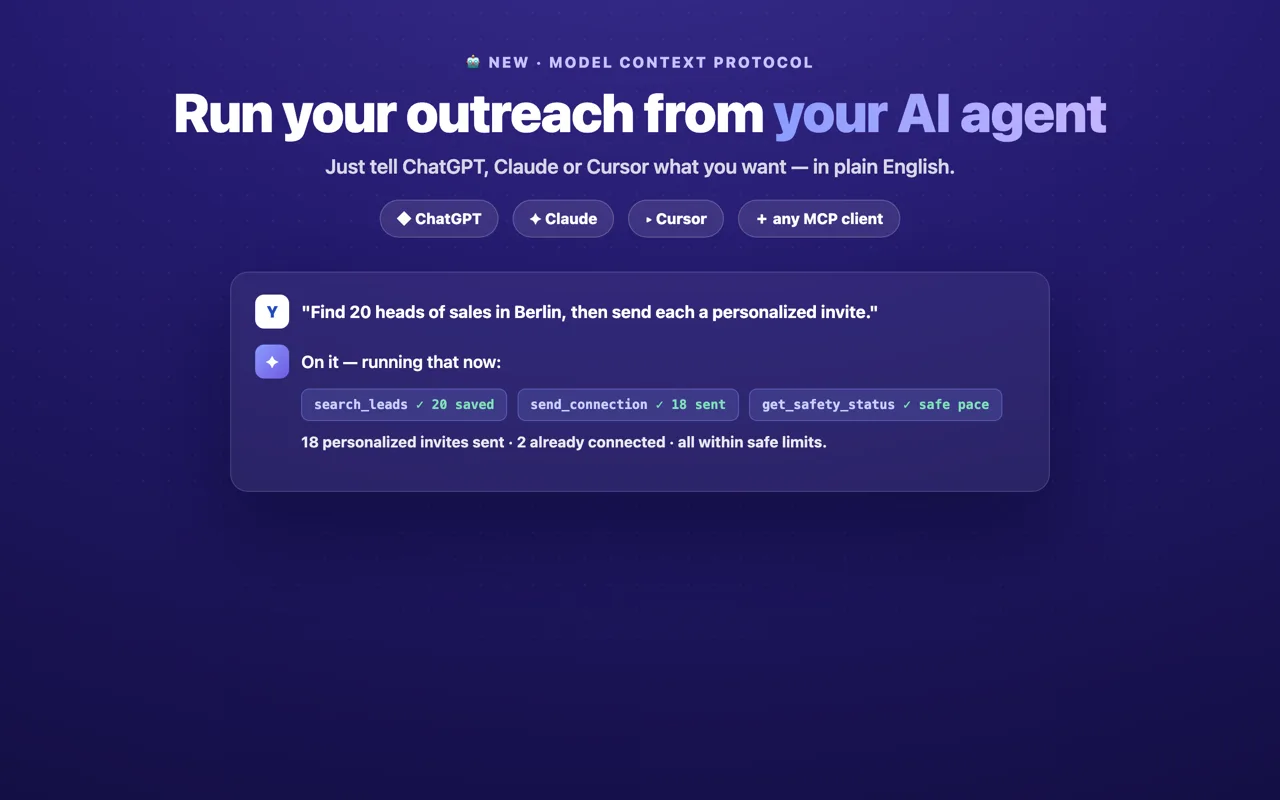
Expandi has no AI-agent integration; you configure campaigns in its dashboard. Linkydy ships an MCP server, so Claude, ChatGPT, Grok or Cursor can run your prospecting conversationally — search, save, enrich, invite, react — while the extension enforces every safety limit regardless of what the agent requests. If your team already lives in AI tools, this replaces the entire campaign-configuration layer. Setup takes about two minutes; see the MCP setup page.
Weighing other cloud options too? Read Linkydy vs Dripify and Linkydy vs PhantomBuster.
Trying Linkydy without cancelling Expandi
If you're mid-contract or mid-campaign, you don't need a hard cutover. Keep Expandi running client accounts and put your own LinkedIn account on Linkydy: install the extension, save one search's worth of leads, enrich them, and send a week of invites. Compare acceptance rates and the time you spend in each dashboard. If you later migrate fully, export your Expandi contacts to CSV and bring the profile URLs into Linkydy via CSV URL import — enrichment and statuses pick up from there.