Linkydy
The short verdict: choose Waalaxy if you want to pick one of ~99 ready-made LinkedIn + email sequence templates, press start, and let volume do the work. Choose Linkydy if you want to know who each prospect is, find their email and phone in one click, track statuses and notes like a real CRM, and optionally hand the busywork to an AI agent over MCP. On safety, it's a tie — and we'll say so plainly below.
| Linkydy | Waalaxy | |
|---|---|---|
| Architecture | Chrome extension in your own session | Chrome extension in your own session |
| LinkedIn password required | No | No |
| Email finder built-in | Yes, 1-click on any profile | Credits tiered by plan |
| Phone finder | Yes | No |
| CRM statuses & notes | Statuses, notes, history | Light — lists and tags |
| CSV export & import | Yes, incl. URL import | Yes |
| AI agent (MCP) | Yes — Claude, ChatGPT, Grok, Cursor | No |
| Personalization fields | {FirstName}, {Company}, {JobTitle} | Yes, in sequences |
| Free tier | Yes — free credits, no card | Limited free plan |
| Starting price | Free; paid plans for higher limits | from ~€19/mo |
Same architecture, honest tie on safety
Let's start with what we won't spin: Waalaxy and Linkydy share the same fundamental design. Both are Chrome extensions. Both act inside the LinkedIn session you already have open, so neither asks for your password and neither logs in from a datacenter. Both need your browser open to work. If a competitor page tells you one browser extension is dramatically "safer" than another comparable one, be skeptical.
The safety difference between this category and cloud tools, though, is real — that's the comparison worth reading: see Linkydy vs Expandi and is LinkedIn automation safe? for how remote-login tools change your risk profile.
What happens after "connect"?
Waalaxy is built around sequences: pick a template — invitation, then message, then email — set the audience, launch. It's genuinely quick to start, and the ~99 templates flatten the learning curve. The gap shows up two weeks later, when replies start arriving and you need to remember who said what. Waalaxy's lists and tags are light; there's no deep per-lead status, note and history layer to work a pipeline from.
That layer is Linkydy's core. Every collected lead gets a card with status, notes, enrichment results and full processing history — a real CRM view, not a campaign log. You can collect from LinkedIn people search or Sales Navigator, filter by title, company, location or industry, and export everything (name, title, company, URL, email, phone, status) via CSV when you outgrow the extension or want the data in your main CRM.
Enrichment: email credits vs email + phone built in
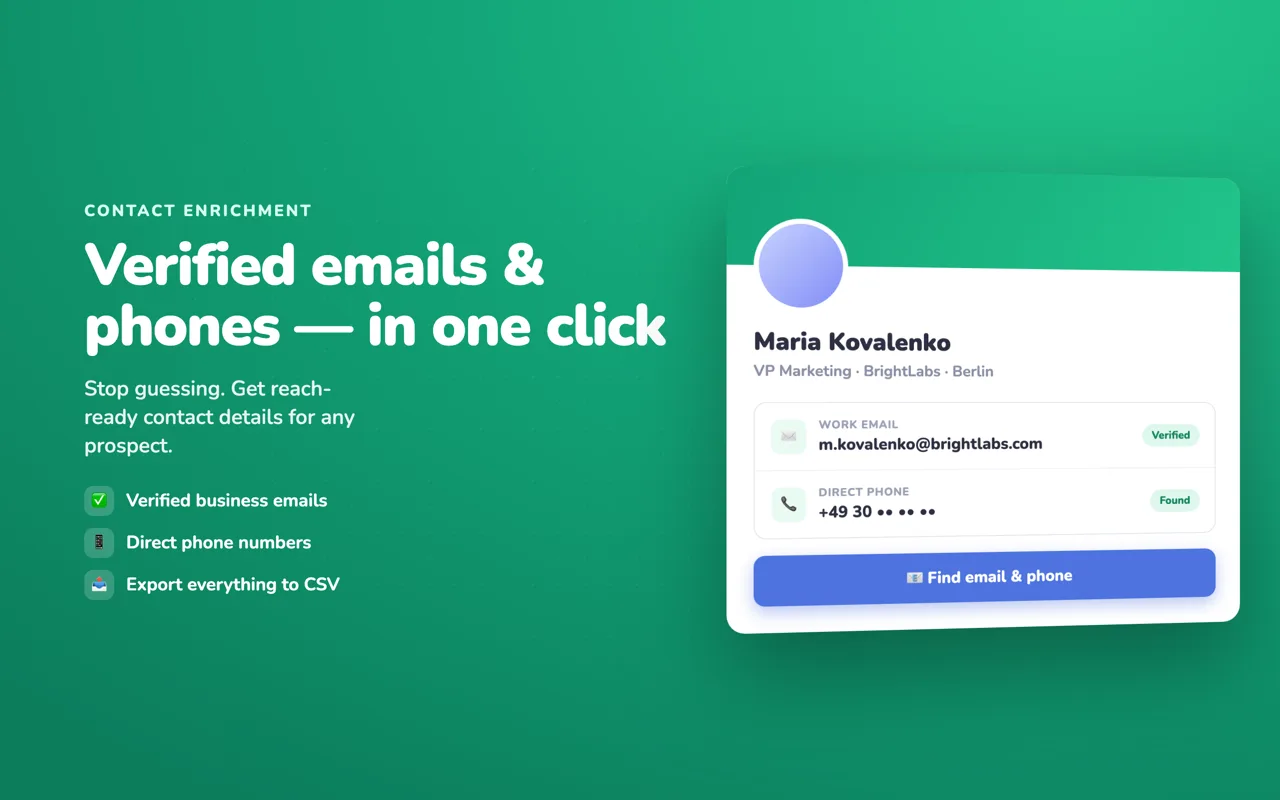
Waalaxy includes email finder credits that scale with plan tier — usable, but metered, and phone numbers are not part of the product. Linkydy puts a 1-click "Find Email" and "Find Phone" on regular and Sales Navigator profiles, with results landing on the lead card. If your follow-up channel is email or a call, that second data point often decides whether a deal conversation happens at all.
The AI-agent difference
Here the tools genuinely diverge. Waalaxy has no AI-agent integration. Linkydy ships its own MCP server, so Claude, ChatGPT, Grok or Cursor can run your prospecting in plain English: "find 20 CTOs at Berlin startups, save them, enrich, and queue personalized invites." The extension — not the agent — enforces pacing and daily caps, so an ambitious prompt can't push your account past safe limits. Setup is a pairing token and one JSON block; the walkthrough is on the Linkydy MCP page.
If you're template-first and CRM-second, Waalaxy will serve you fine. If you're pipeline-first — or agent-first — Linkydy is built for exactly that, and trying it costs nothing.
Switching from Waalaxy (or running both)
Because both tools are free to start, you don't have to decide on faith. Export your current prospect list from Waalaxy as CSV, then feed the profile URLs into Linkydy's CSV URL import — your leads appear as cards ready for enrichment and statuses. Run the two side by side for a week on different segments and compare acceptance and reply rates yourself.